 SnapFound
Find any screenshot instantly.
SnapFound indexes your screenshots with on-device OCR, so you can find receipts, Wi-Fi passwords, order confirmations, and more without uploading your screenshots.
50 screenshots free · one-time Pro unlock · no account
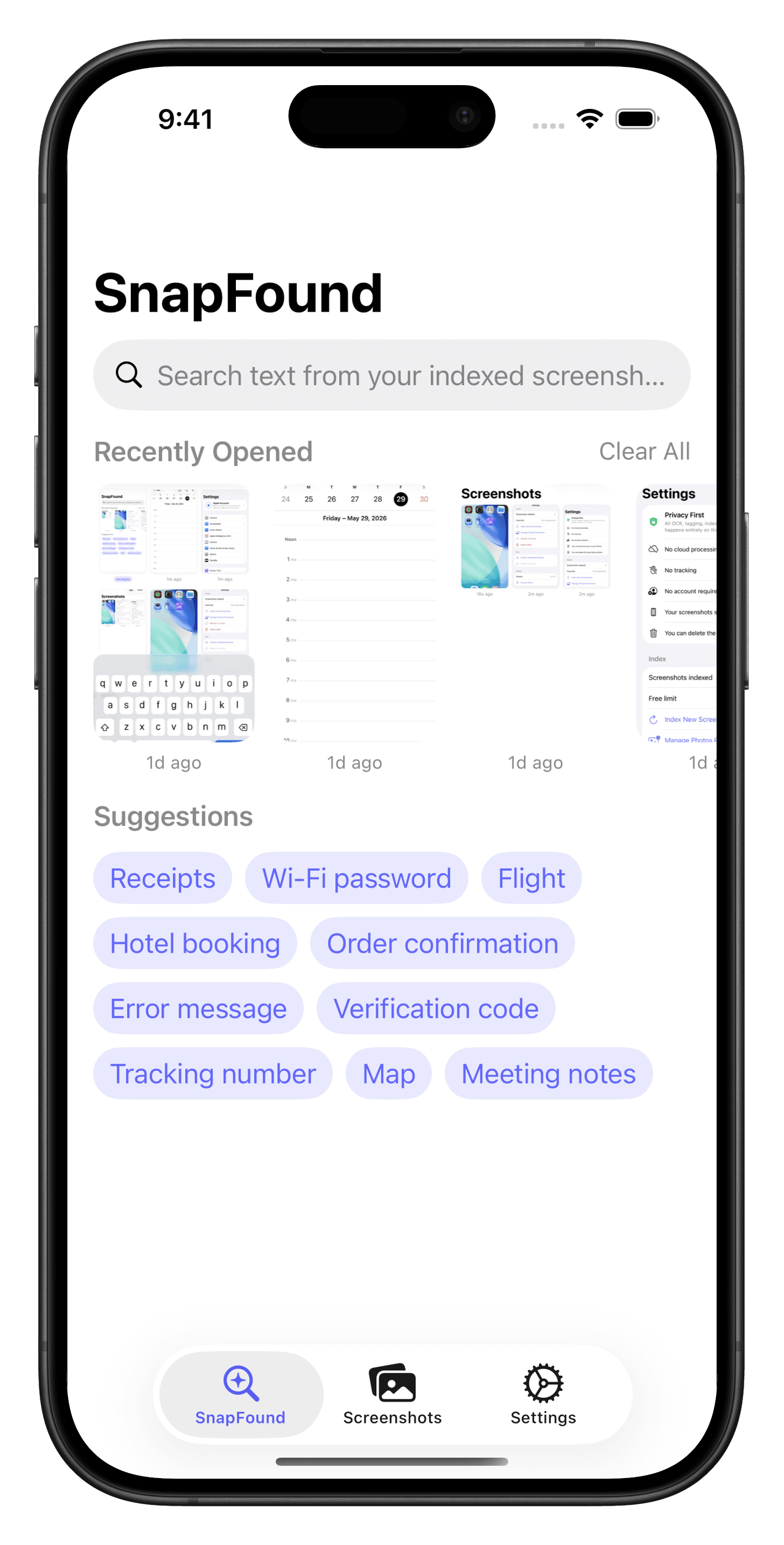
Full-text search
Search what's inside.
Type what you remember: a receipt total, a booking reference, a Wi-Fi password. Find the exact screenshot in seconds. No folders, no tags.
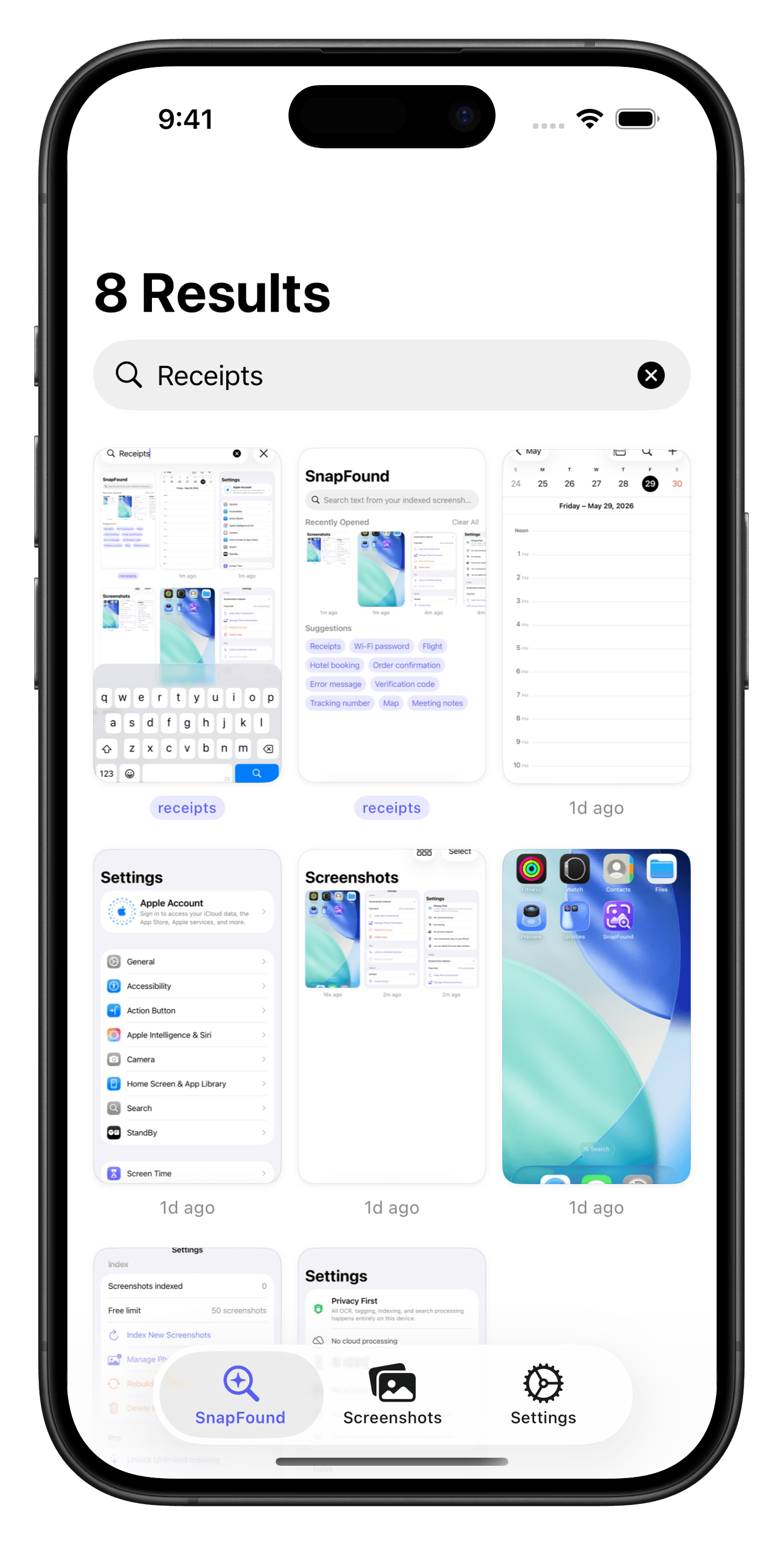
Private by design
Your screenshots stay on your iPhone.
Text extraction happens on your device using Apple's on-device OCR. No account required, no screenshot uploads, no tracking. Delete the local index anytime.
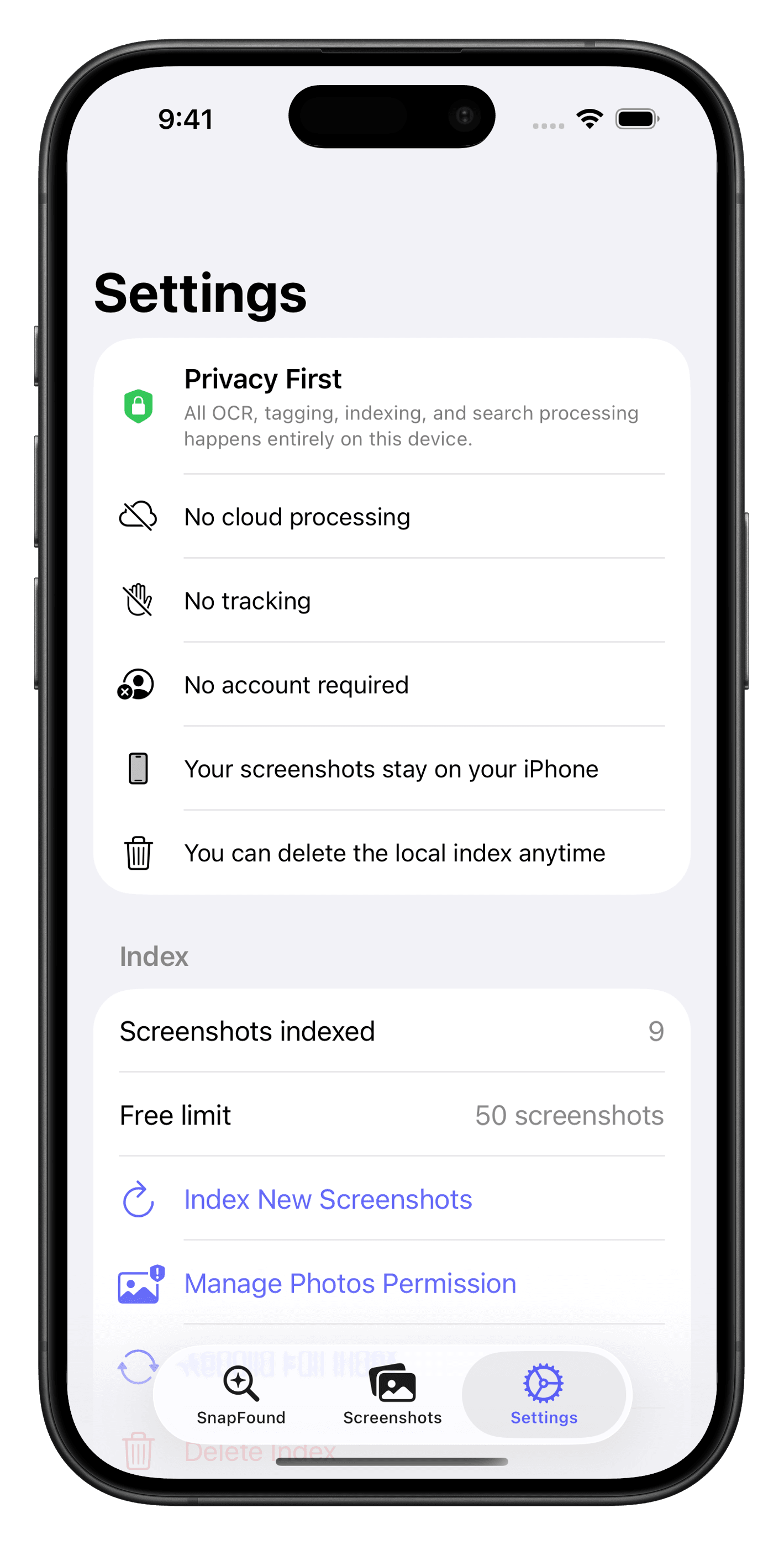
Multilingual search
Find text across languages.
SnapFound automatically detects and indexes text from supported languages like English, Spanish, French, Japanese, Korean, Chinese, Thai, and more, privately on your iPhone.
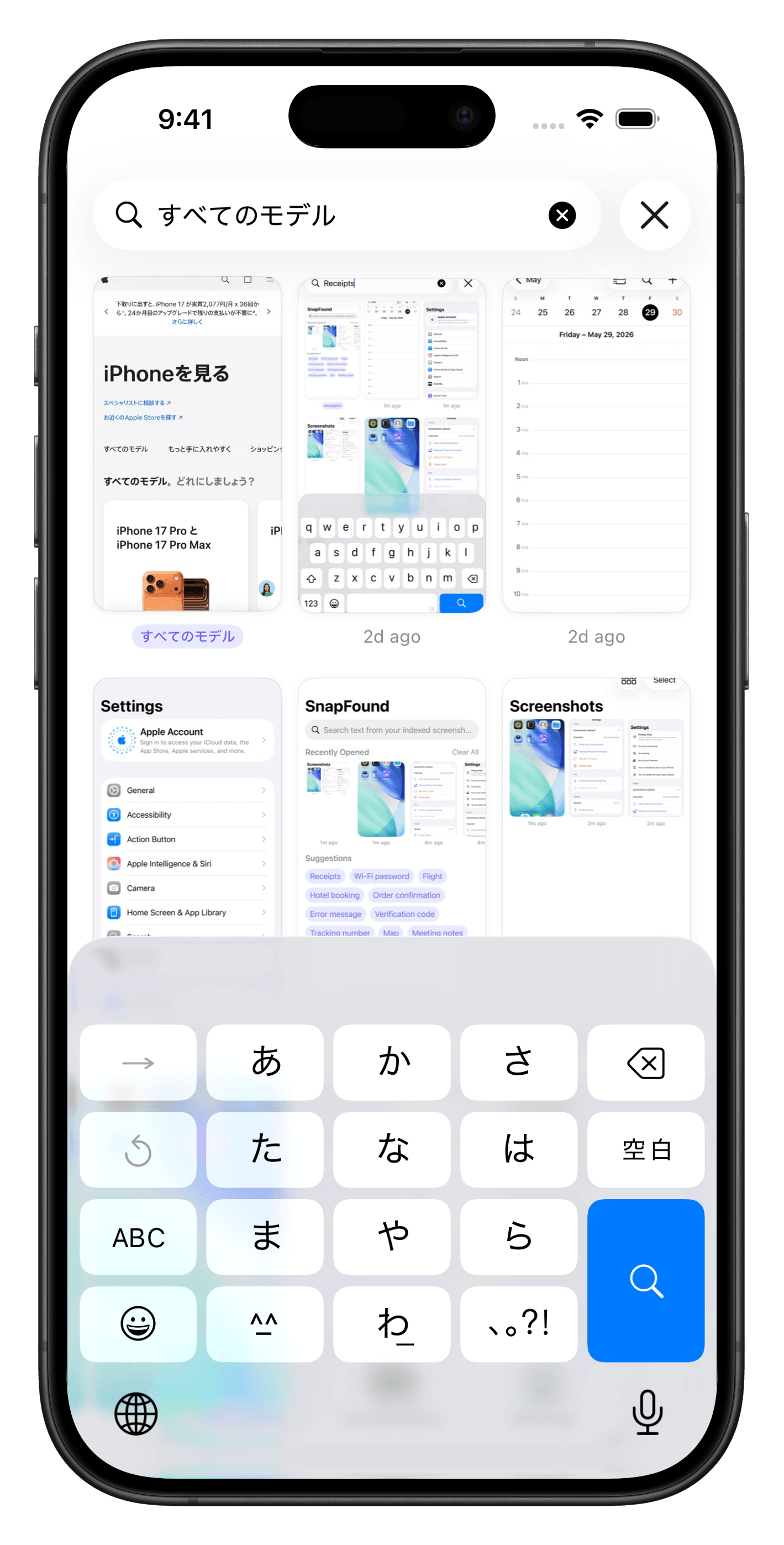
Your screenshot library
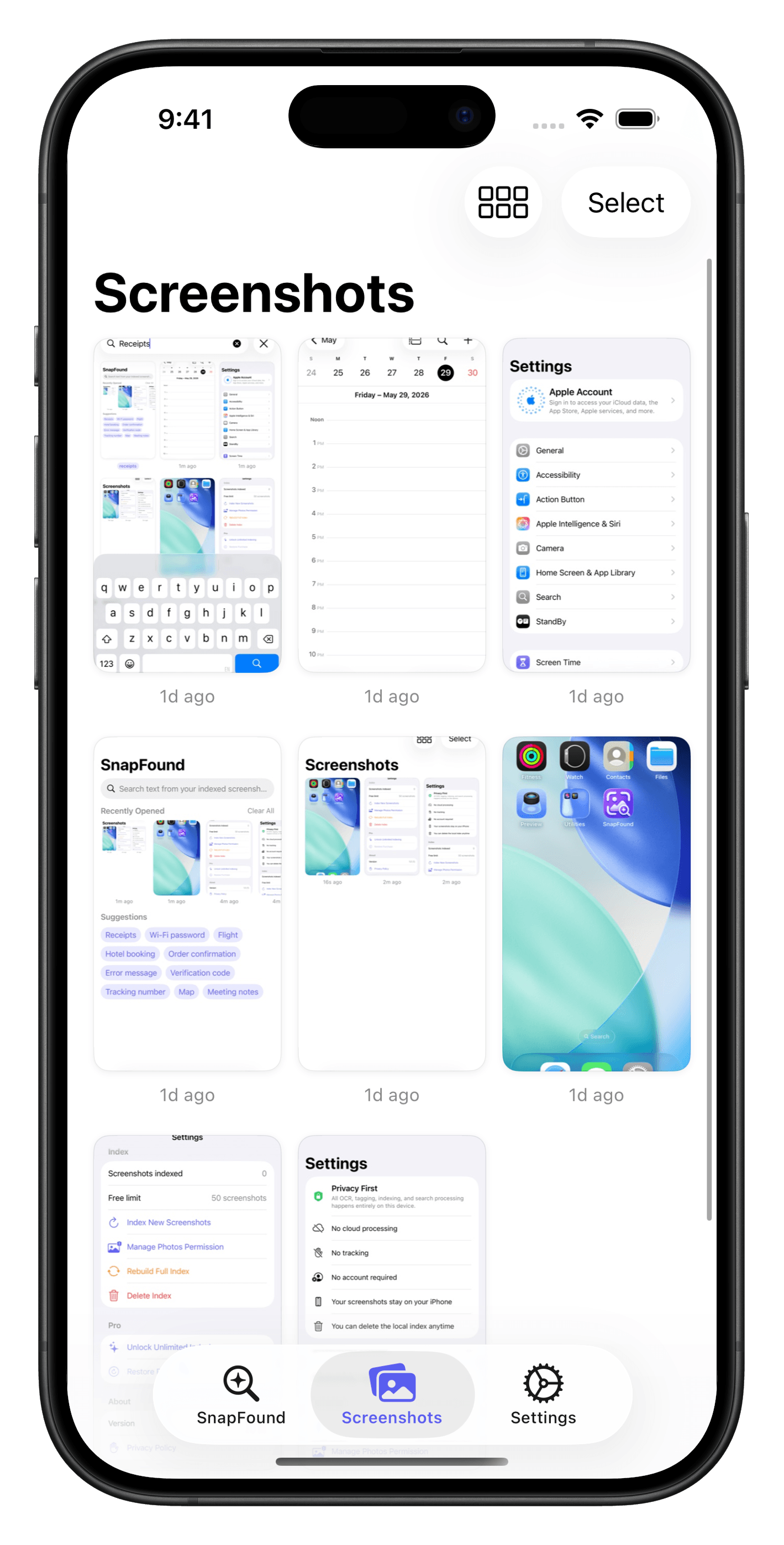
Every screenshot, beautifully organized.
Browse all your screenshots in a clean date-grouped grid. Switch between 2, 3, or 4 columns to suit how you browse.
Make your screenshots instantly searchable.
SnapFound reads text from your indexed screenshots and makes them easy to find later. Search for a word, code, receipt, booking, or note and get back to the right screenshot quickly.
How it works.
Take screenshots normally
No change to your workflow. SnapFound works with screenshots already on your iPhone.
SnapFound reads the text
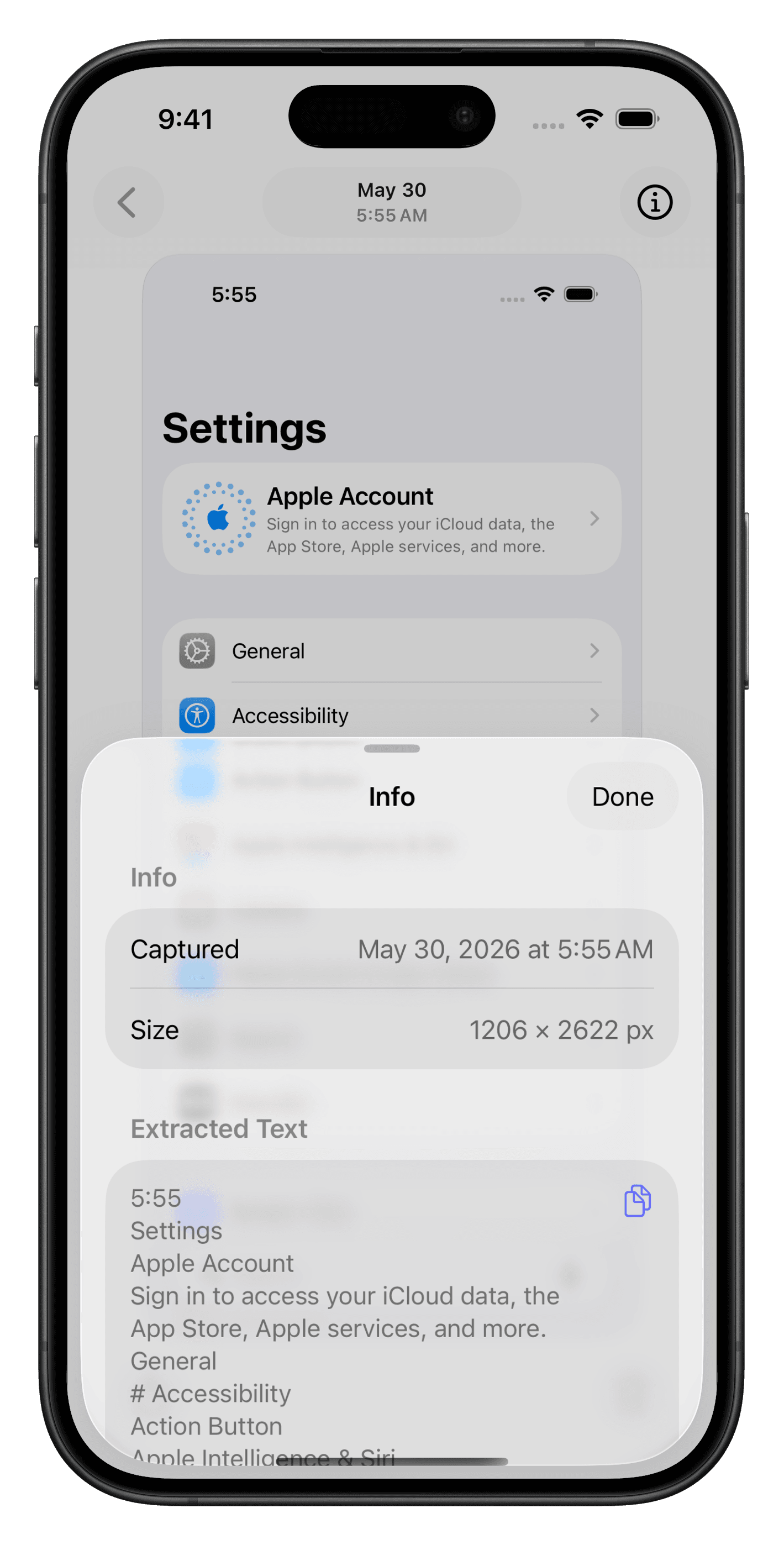
On-device OCR extracts the text from each screenshot during indexing. Text extraction happens entirely on your iPhone.
Search what you remember
Type a word or phrase from a screenshot, like a price, code, name, or booking reference.
Frequently asked questions
Everything you need to know about SnapFound.